Retailer Resources to Help Run Virtual Events.
A MESSAGE FROM WIZKIDS

Hello WizKids Retailers,
As the Coronavirus (COVID-19) situation evolves, our team is continuing to monitor and working to improve our in-store programs in an effort to better serve you, our loyal partners. We know this is a trying time for many of you and your businesses.
The safety and well-being of the community is our number one priority, and being so, we’re introducing a new program — WizKids Take & Paint. Any stores that are participating in our WizKids Paint Night Event may now turn their events into a WizKids Take & Paint. Additionally, for all stores who would like to participate in the new program, we have pulled together this resource page.
Take & Paint enables your customers to still purchase their WizKids Unpainted Miniatures from your store, but take them home to paint. If your store is currently offering curbside pickup, orders over the phone or internet, please let us know so we can help spread the word.
We encourage you to still schedule a day and time for your event, but host it virtually with the community. Tips and tricks on how to host a virtual painting event can be found below.
We greatly appreciate all of your continued support and we’ll keep this page updated if anything changes. Please check back for updates!
-The WizKids Team

Put Your Store on the Map!
Is your store currently offering curbside pickup or delivery of WizKids unpainted miniatures? Let’s get the word out! Please fill out this short survey to be included in our map.
Running a Virtual Event.
There are a number of tools available to use when running a live stream event. Here are a few of our favorites!

- Free service.
- Streaming software required to broadcast (see below).
- No limits on attendance.
- Chat enabled for community engagement.
- Ability to have moderators.
- For more details click here! (hint: focus on broadcast setup and software)

- Free service.
- Streaming software required to broadcast (see below).
- No limits on attendance.
- Chat enabled for community engagement.
- Ability to have moderators.
- For more details click here!

- Free service.
- G-Suite account required to host.
- Limit to 25 video participants and 150 in general chat.
- Chat enabled for community engagement.
- Click here for more details!

- Free service.
- Streaming software required to broadcast (see below).
- Allows people to host watch parties.
- No limits on attendance.
- Need to create a private group if you do not want viewers sharing the video.
- Click here for more details!
- Zoom Pro is a paid service.
- Allows for multiple people in video call.
- Starts at 100 participants.
- Zoom Basic is free, but only allows for one-on-one video calls.
- Click here for more details!

Royalty Free Music Sources and Guidance
Teknoaxe.com- Offers over 1K songs of various styles that can be used per the royalty free parameters. You can download and customize your own playlist, or visit the YouTube channel and opt for already curated playlists based on theme or style of music: https://www.youtube.com/teknoaxe
Kevin MacLeod- Another prolific provider of music but you will need to be sure to credit his work during your stream. You will need to download his songs and create a playlist you can play for your stream. Visit Incomptech for access to his music files: https://incompetech.filmmusic.io/
YouTube Creator Studio Music- This is for YouTube only! You can access the music library for a large variety of songs. Please be aware that some will ask for credit, which you will need to place in your description when scheduling your live stream on YouTube. To download the songs ahead of time, simply go to your profile icon in the upper right-hand corner, click YouTube Studio, then select Audio Library on left hand side of the screen. Once there you can use the Search Music feature to the right and even customize your options.
*It is crucial that you make a point to credit the royalty free music you use. Do not use a Spotify list, or the like, over your stream. You can opt to share a link of that list with your customers, but should you play it audibly, your channel may receive a strike and jeopardize your channel’s status across the board. It’s even recommended that you do not have a TV in the background to avoid unintentional music/content that is not in the royalty free category.
Free Tutorials!
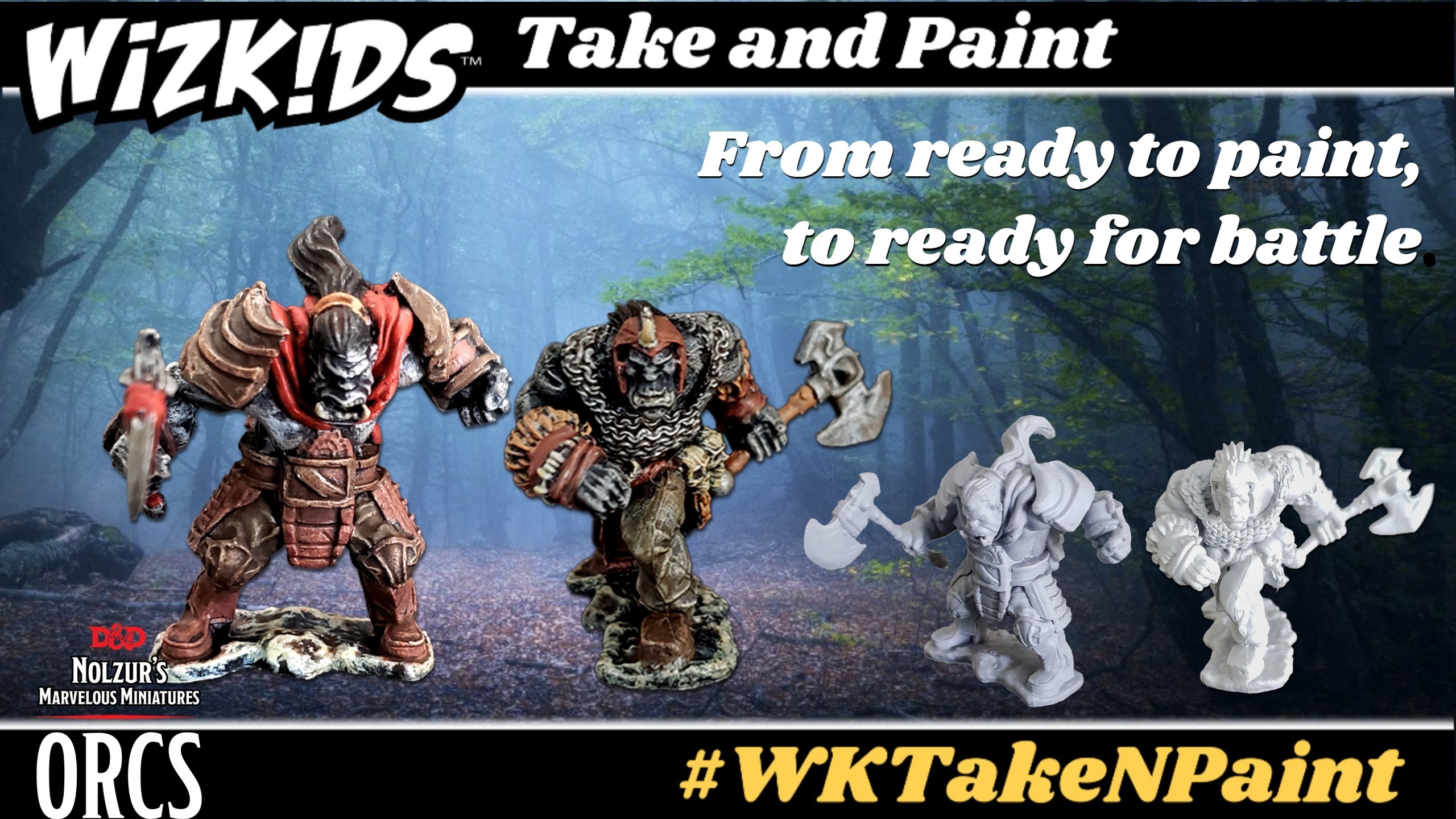
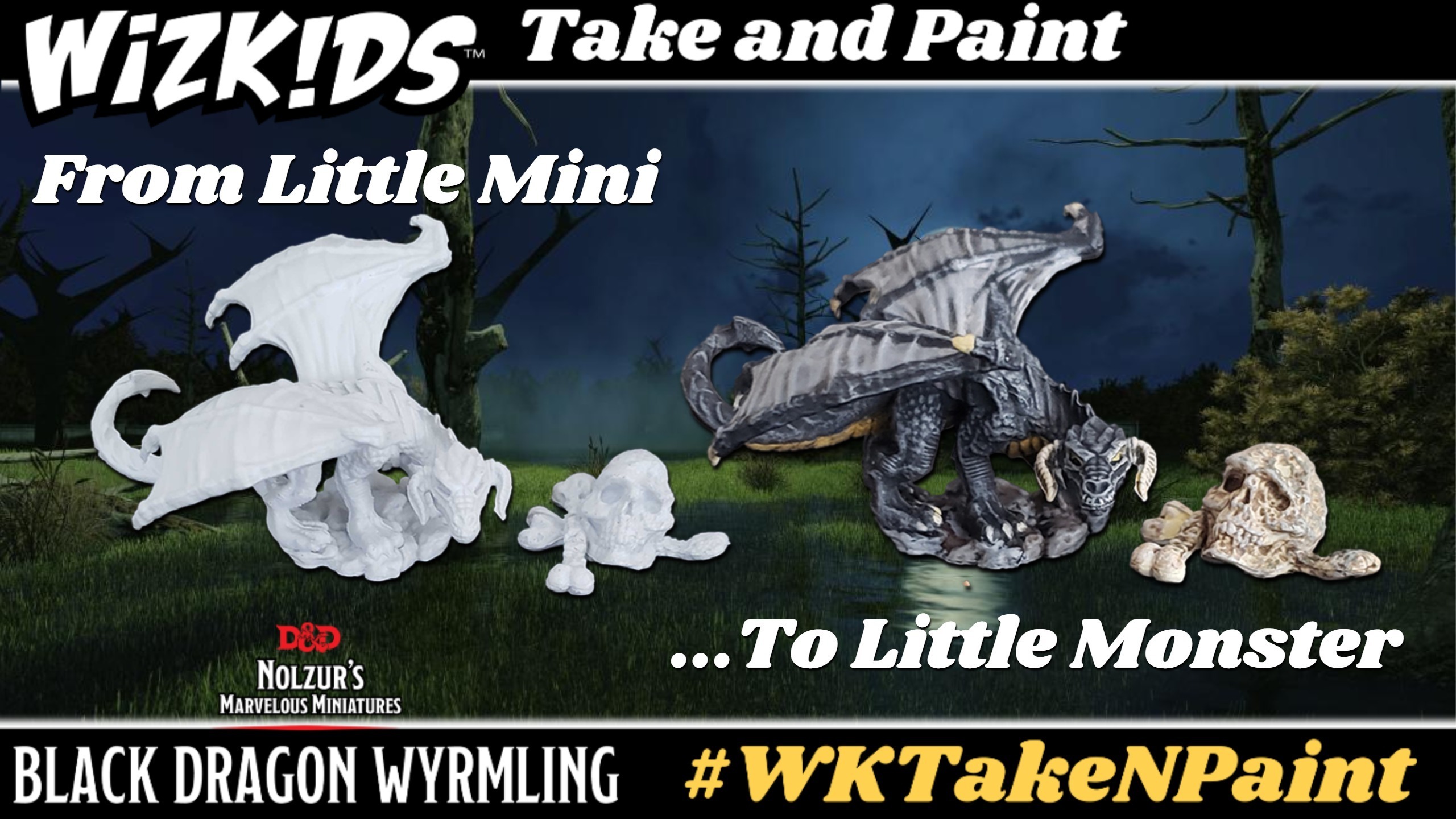
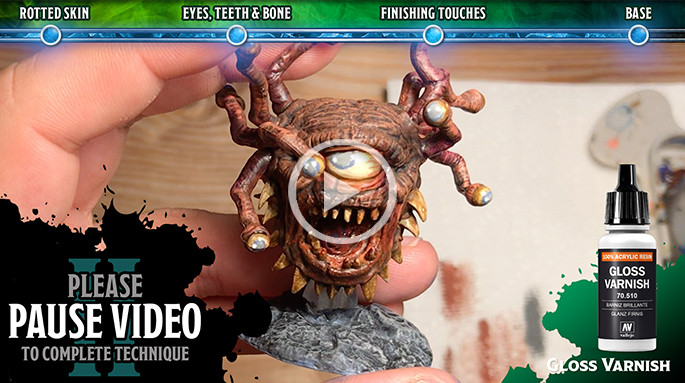
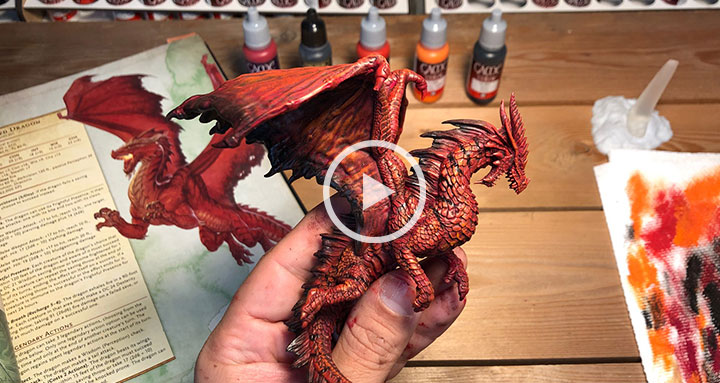
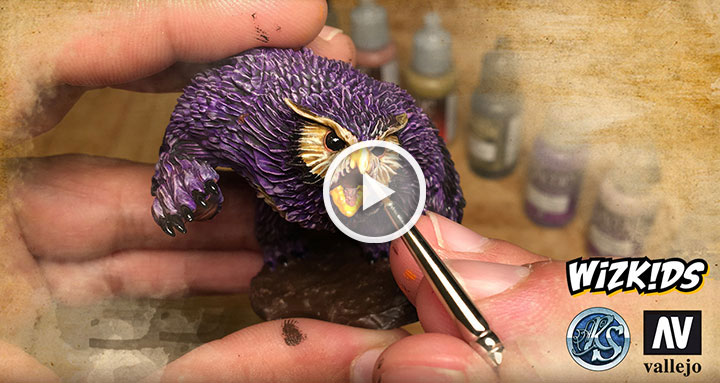
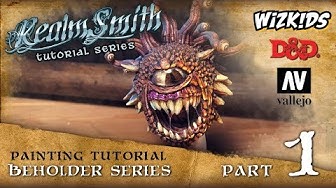
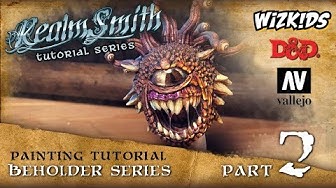
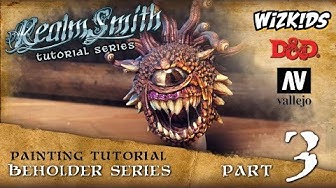
Feel free to play these videos on your computer and share your screen during your live stream so your painters can follow along!



Upcoming Tutorials
May: D&D Nolzur’s Marvelous Miniatures: Gray Slaad & Death Slaad
More dates to be added soon!
*All dates subject to change.
Tips & Tricks!
Tricks to Running a Successful Live Stream:
-
Double check that your computer meets the minimum requirements for the streaming software you decide to use. Also, ensure you are utilizing the minimum needed internet speed for use with the software of your choice.
-
Whenever possible, plugging directly into your network is also advised for best connection for your stream. Dips in wireless can cause the stream to get dropped entirely.
-
OBS (Open Broadcaster Software) is a free software program to help with running streams. You will need this or a similar software to stream with some services. There are private stream keys needed to be plugged into OBS to host to specific channels. If the key gets out, it means anyone can stream to your channel. There IS a learning curve to using this, as is the case with any streaming software. Click here for more details!
-
Webcam: If needed, a Logitech 920 or 922 webcam tend to be the recommended work horse for many streamers!
-
Mic: If needed, a Yeti Snowball as a more basic option that works well.
Theme ideas:
-
You are welcome to use one of the free painting tutorials found above, or create your own fun event theme! Here are a few ideas…
-
Technique classes with “free paint” — no specific color requirements, instead teach cool and exciting new techniques with your painters.
Additional Resources
In addition to the tutorials above, there are a number of social media pages, streaming channels, and groups dedicated to providing tutorials and resources to miniatures painters of all skill levels. Below you’ll find links to a few of these excellent channels.

Painting Happy Lil Minis
A LIVE STREAMING Tutorial show that gives painters (or gamers) of all skill levels the chance to learn some new tricks AND be able to chat with their community of painters. Not only a livestreaming show, Painting Happy Lil Minis is a community of mini painters on Facebook!
Miniature Underground
A supportive group where assistance can be sought in a positive environment.
Tabletop Crafters Guild
Large group of painters and crafters with varying degrees of experience. Focus is on terrain and minis for TTRPG.

Rick Rollz America
Livestreams from Facebook painting minis and chatting with people from the community.
Devious Dungeons Painting
Brad Smith is a professional miniature painting artist, instructor, and long time gamer.

Miniature Painting Artists
Check out the artists below for more inspiration for your miniatures!